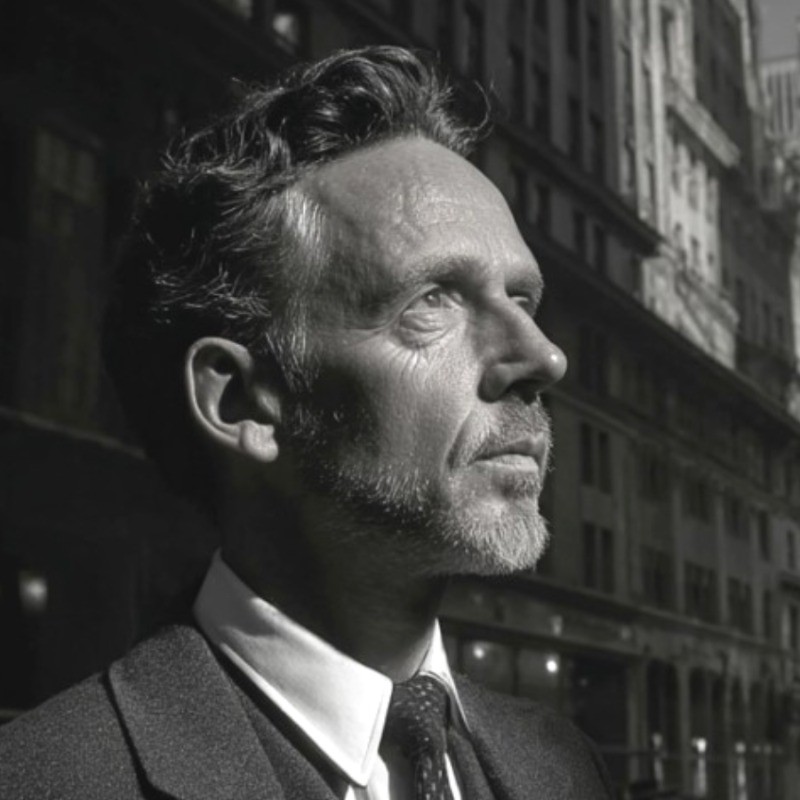
Jan Willem Alphenaar

Magic Jan Willem (JW) Alphenaar

Exploring the art of automation and AI-powered creativity.

Discover The Magic

Full Interview

Full Interview

Amazing Song

Amazing Song

Speaker Introduction

Speaker Introduction

Interview Highlights

Interview Highlights

Automation Workflows

Proposal Generation Automation

1
Trigger: Gmail New Email
2
Google Sheets Search Row
3
ChatGPT Generate Proposal
4
Gmail Draft Email
5
Google Sheets Update Row
6
Error Handling Node
7
Quality Control Check
8
Formatting Node
9
Send Email
10
Completion Node

Automated generation and sending of proposals based on incoming requests. Reduces time spent on manual proposal writing and ensures all necessary details are included.

Client Appointment Scheduling

1
Trigger
2
Receive Request via Email
3
Salesforce Data Lookup
4
Check Expert Availability
5
Send Confirmation Email
6
Quality Control Check
7
Update Calendar
8
Notify Expert
9
Send Reminder to Client
10
Handle Rescheduling Requests
11
End Workflow

Automation that streamlines the scheduling of client appointments with experts, ensuring quick responses and effective calendar management. Pain points include missed opportunities for meetings, manual coordination struggles, and inefficient use of time.

Content Creation for White Papers

1
Trigger: Google Drive New File
2
Google Sheets Read Data
3
Content Research Tool API Call
4
ChatGPT Generate Content
5
Dropbox Upload Draft
6
Quality Control Check
7
Formatting Node
8
Client Notification Email
9
Google Drive Move to Final Folder
10
Completion Node

Streamlines the creation of white papers for clients by automating research and drafting processes. Minimizes the time required for client updates and maintains organized documentation.

AI Tool Comparison Workflow

1
Trigger: Manual Trigger
2
Input Prompts Node
3
ChatGPT Generate Output
4
Leonardo Generate Output
5
MidJourney Generate Output
6
Hicksfield Generate Output
7
Compare Outputs Node
8
Quality Control Check
9
Send Results Email
10
Completion Node

Conducts a comparison of outputs from various AI tools using identical prompts. Ensures the best results are selected and provides insights into tool performance.

Video Creation Automation

1
Trigger: Google Sheets New Row (Video Request)
2
Google Drive Upload Assets
3
Runway Video Creation API Call
4
Video Processing Node
5
Quality Control Check
6
Formatting Node
7
Email Client Video Link
8
Google Drive Store Final Video
9
Completion Node

Automates the video creation process based on client requests, managing inputs and final outputs. Reduces the time needed for video generation and enhances collaboration with clients.